
How to Be a Great Remote Podcast Host or Guest
(Tech Edition)
Whether you’re hosting a podcast or joining as a guest, one thing matters most:
Clear audio, reliable recording, and a distraction-free setup.
Most remote podcasts prioritize audio quality first, while video is almost always recorded and frequently used for social clips, YouTube, and marketing.
The good news? You don’t need a complicated studio to sound and look professional.
This guide walks you through the best podcast equipment, room setup, and recording tips for remote podcasting success.
🎤 AUDIO SETUP: The Most Important Part of Any Podcast
Use a USB Microphone (Unless You’re an Audio Pro)
For most people, a USB microphone is the simplest and most reliable option. It plugs directly into your computer and delivers high-quality audio without extra gear.
We recommend:
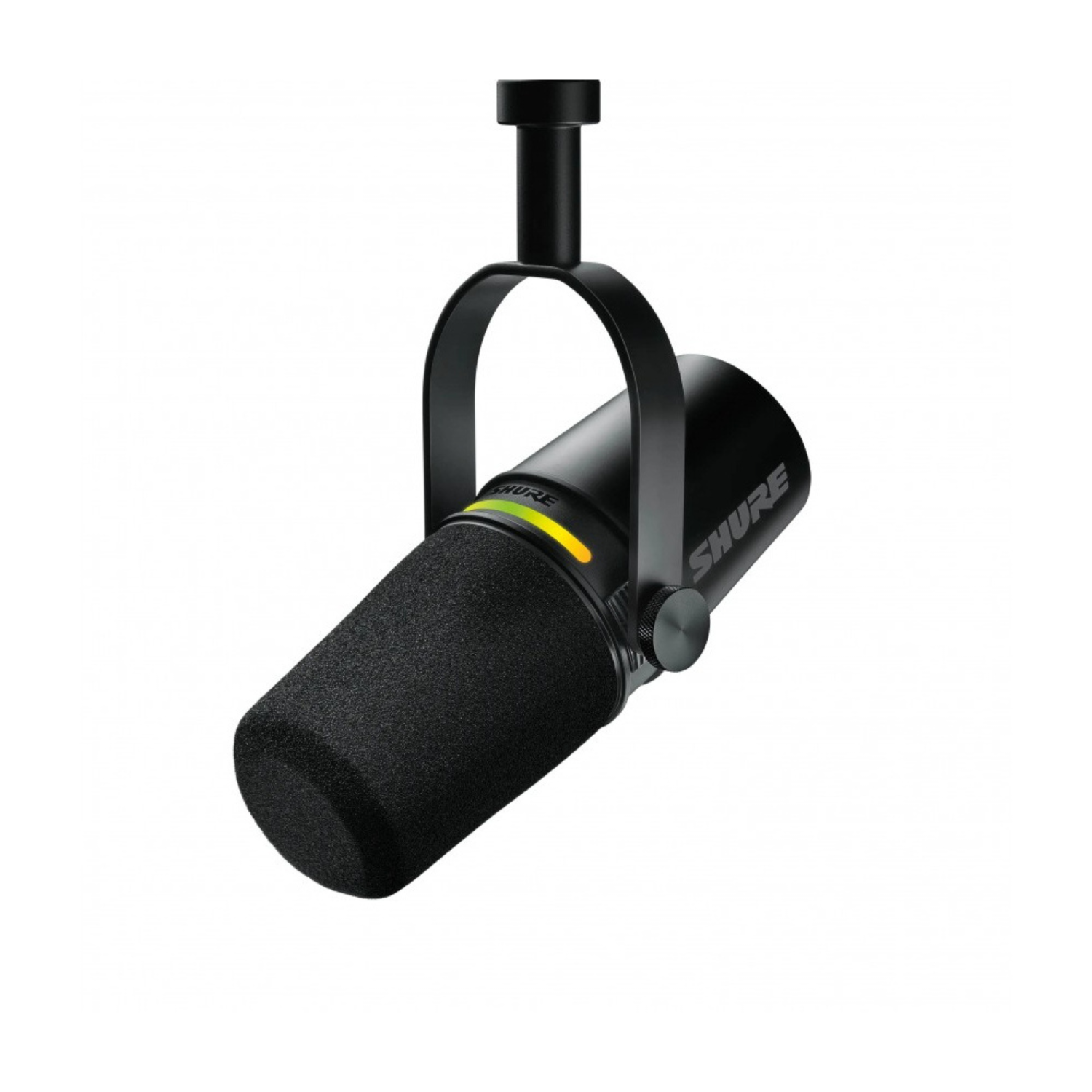
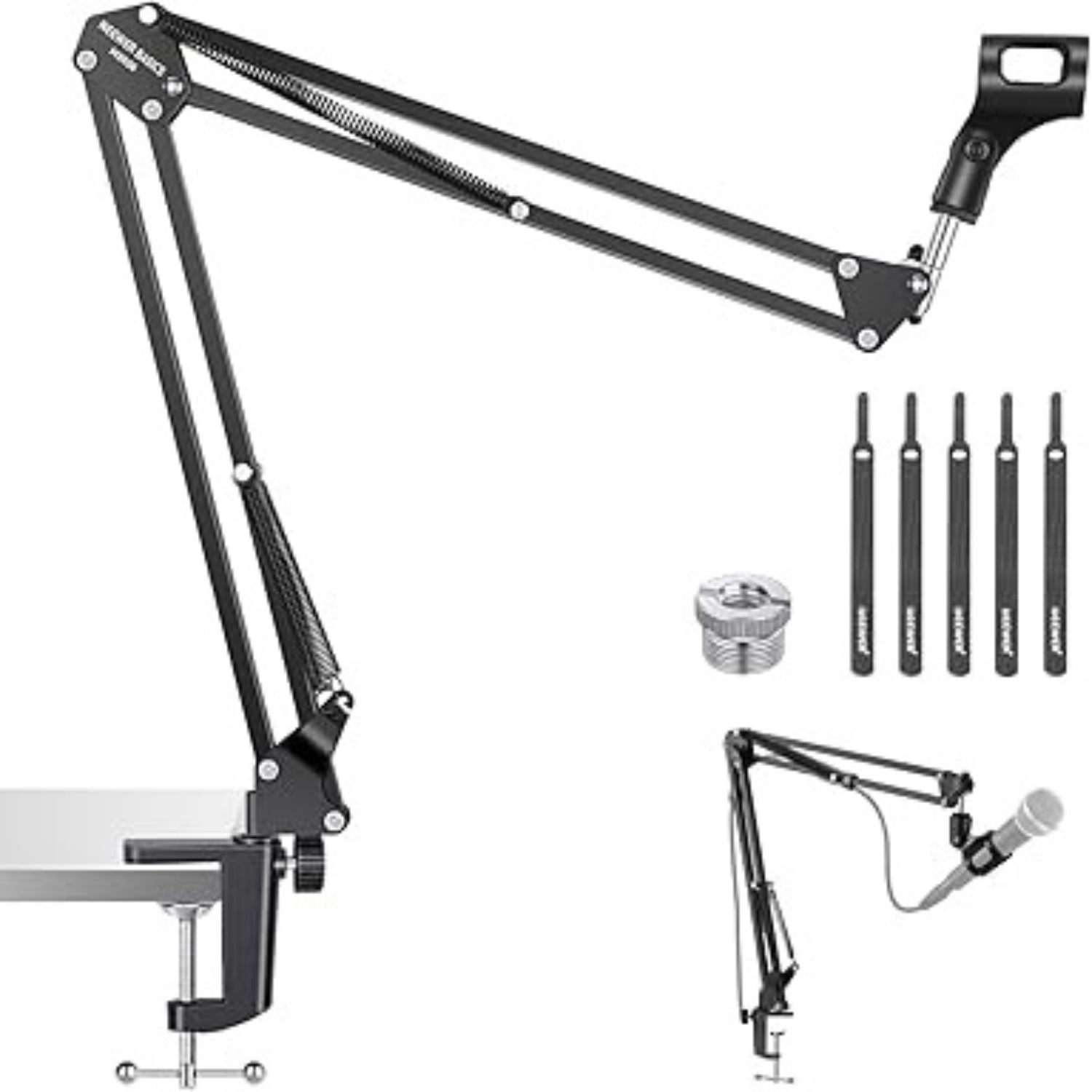
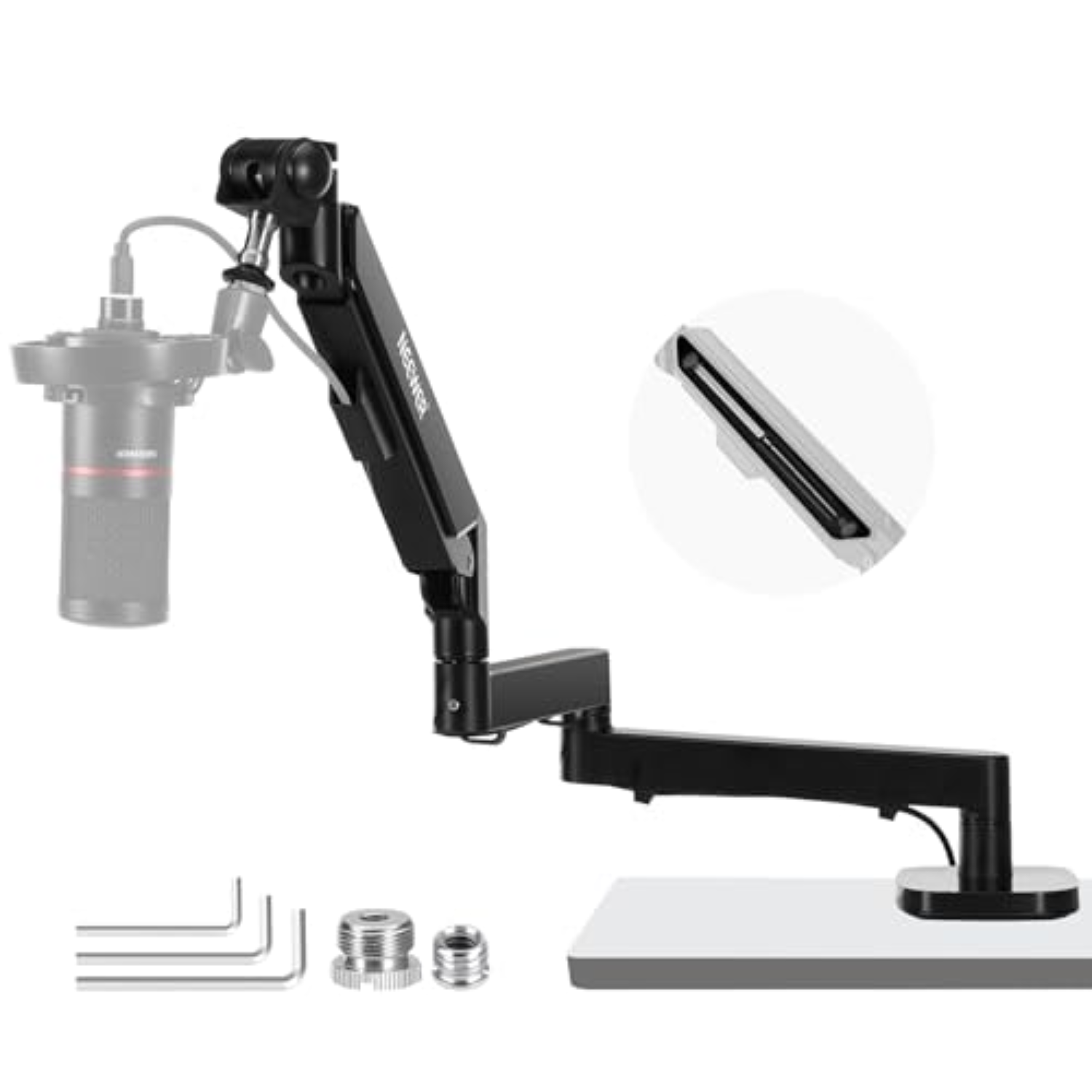
This combo gives you:
✅ Broadcast-quality sound
✅ Easy plug-and-play setup
✅ Clean desk positioning
✅ Professional appearance on camera
If you already use traditional XLR microphones, you’ll also need an XLR-to-USB audio interface from brands like Focusrite, Tascam, or Zoom.
These setups are excellent for power users but for most people, USB mics are faster, simpler, and more than sufficient.
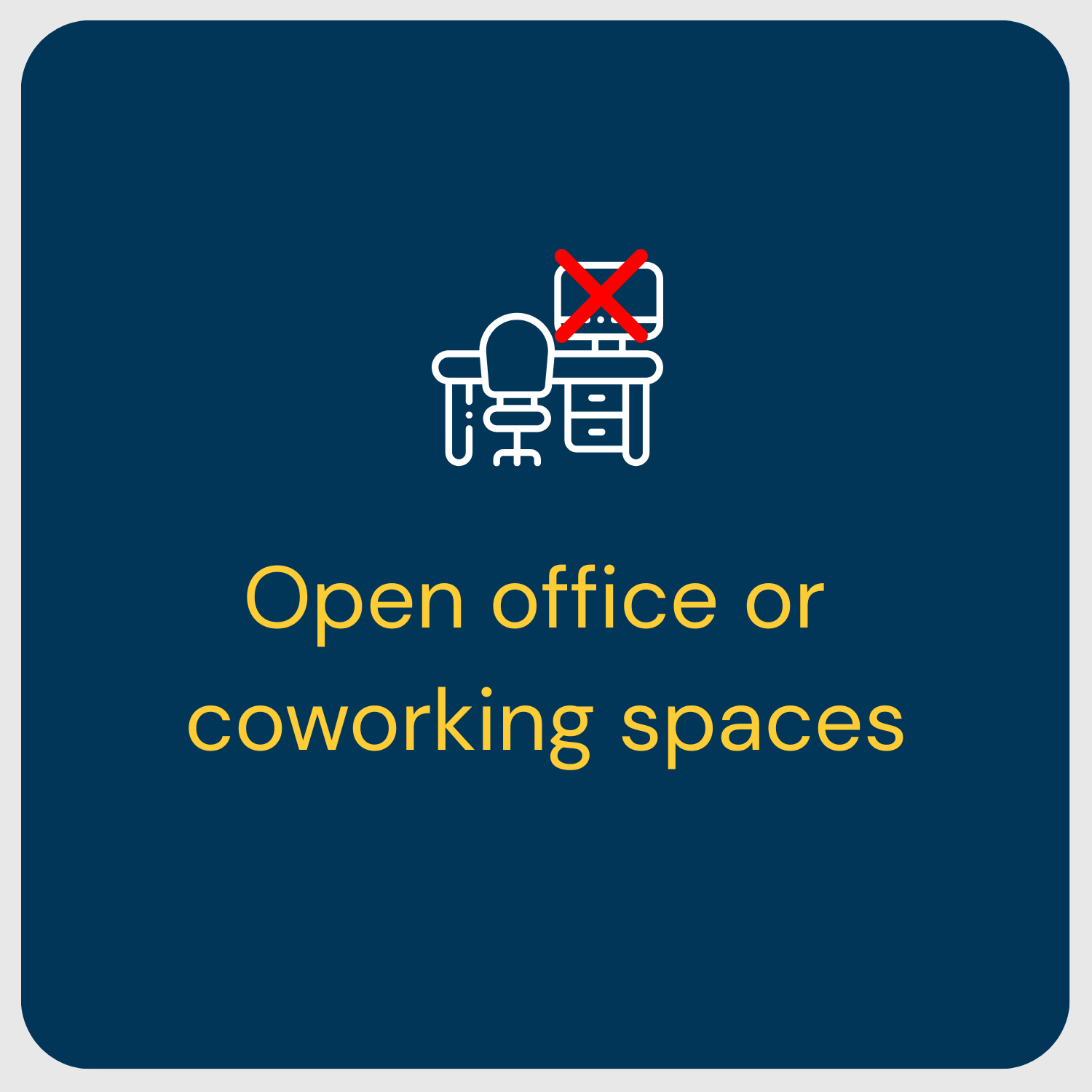
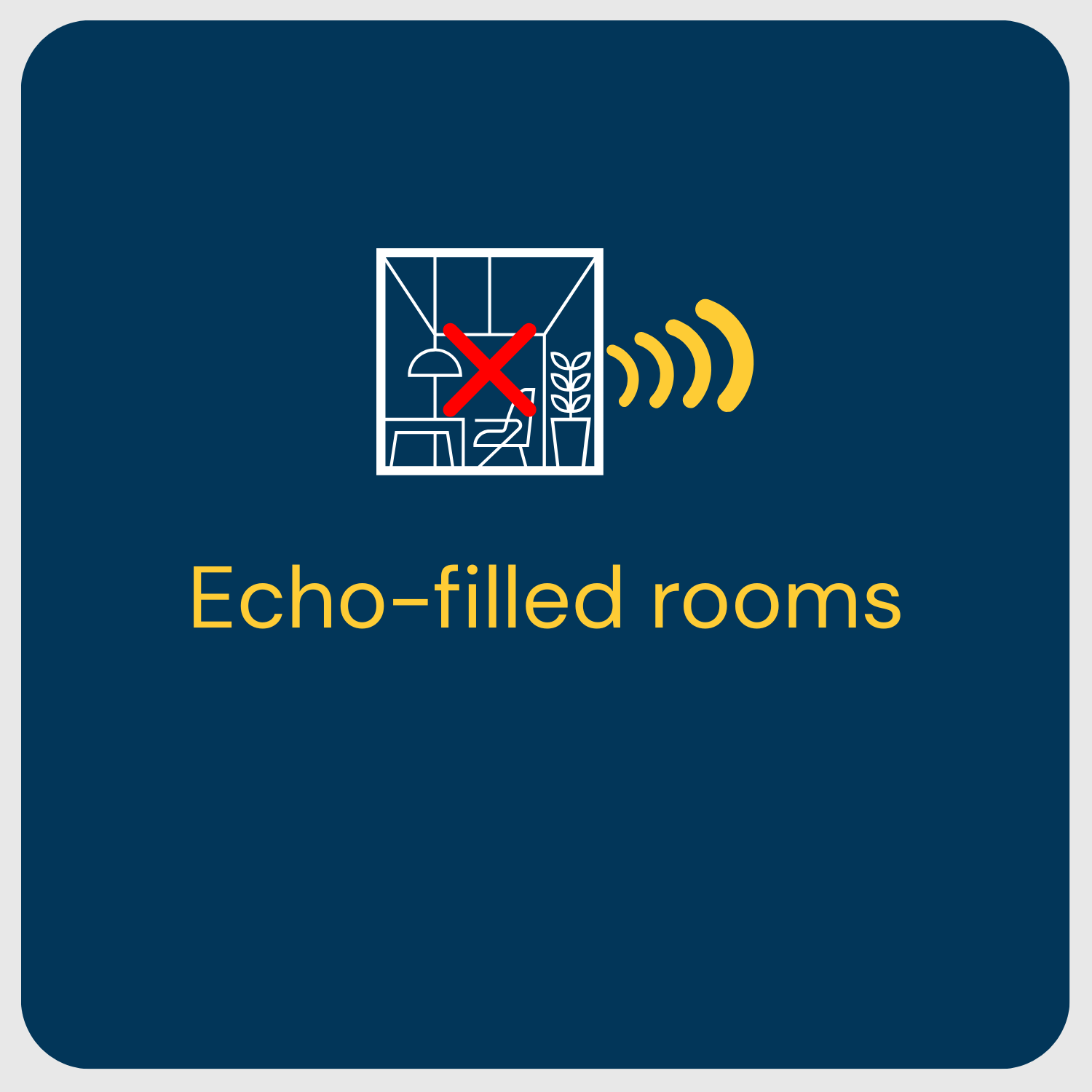
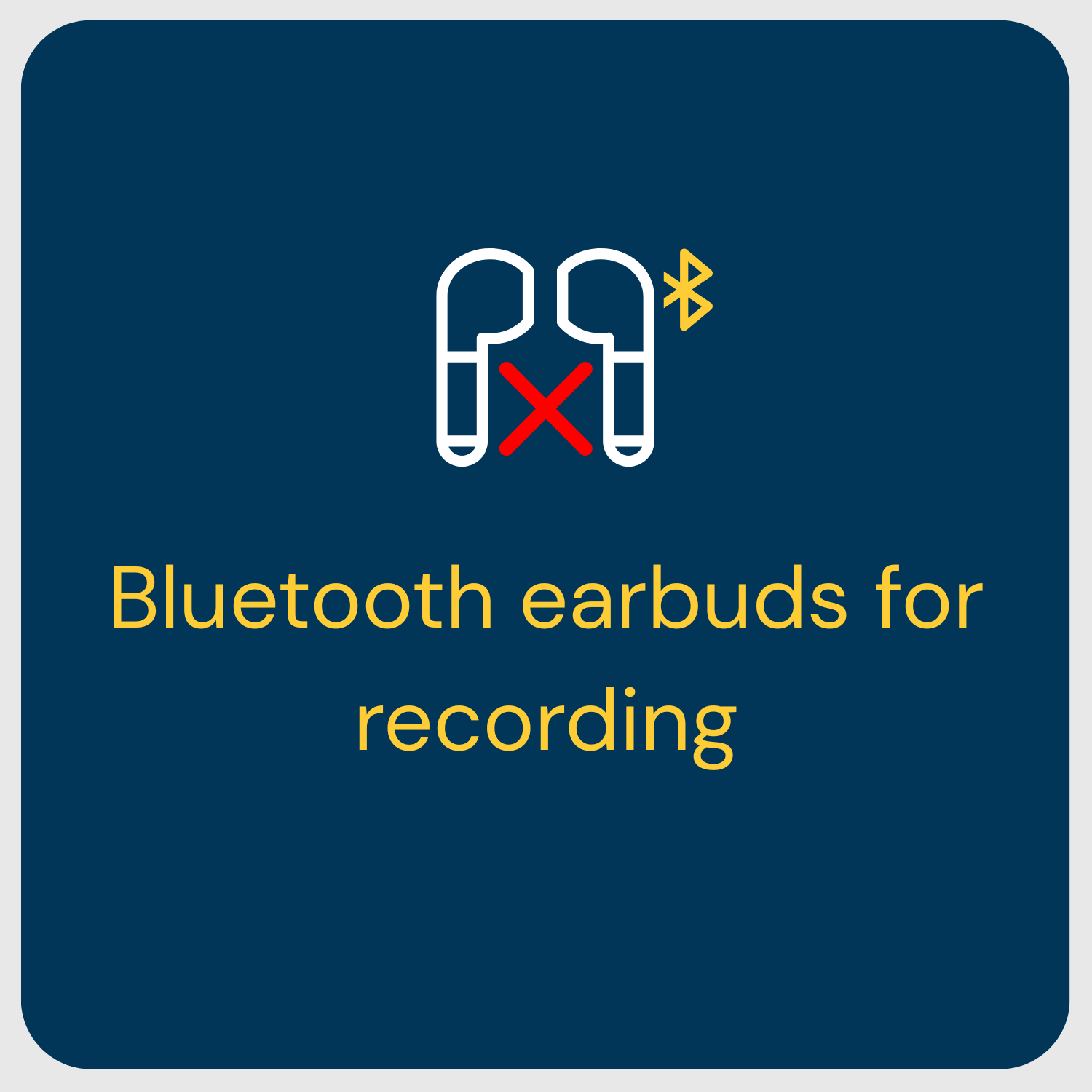
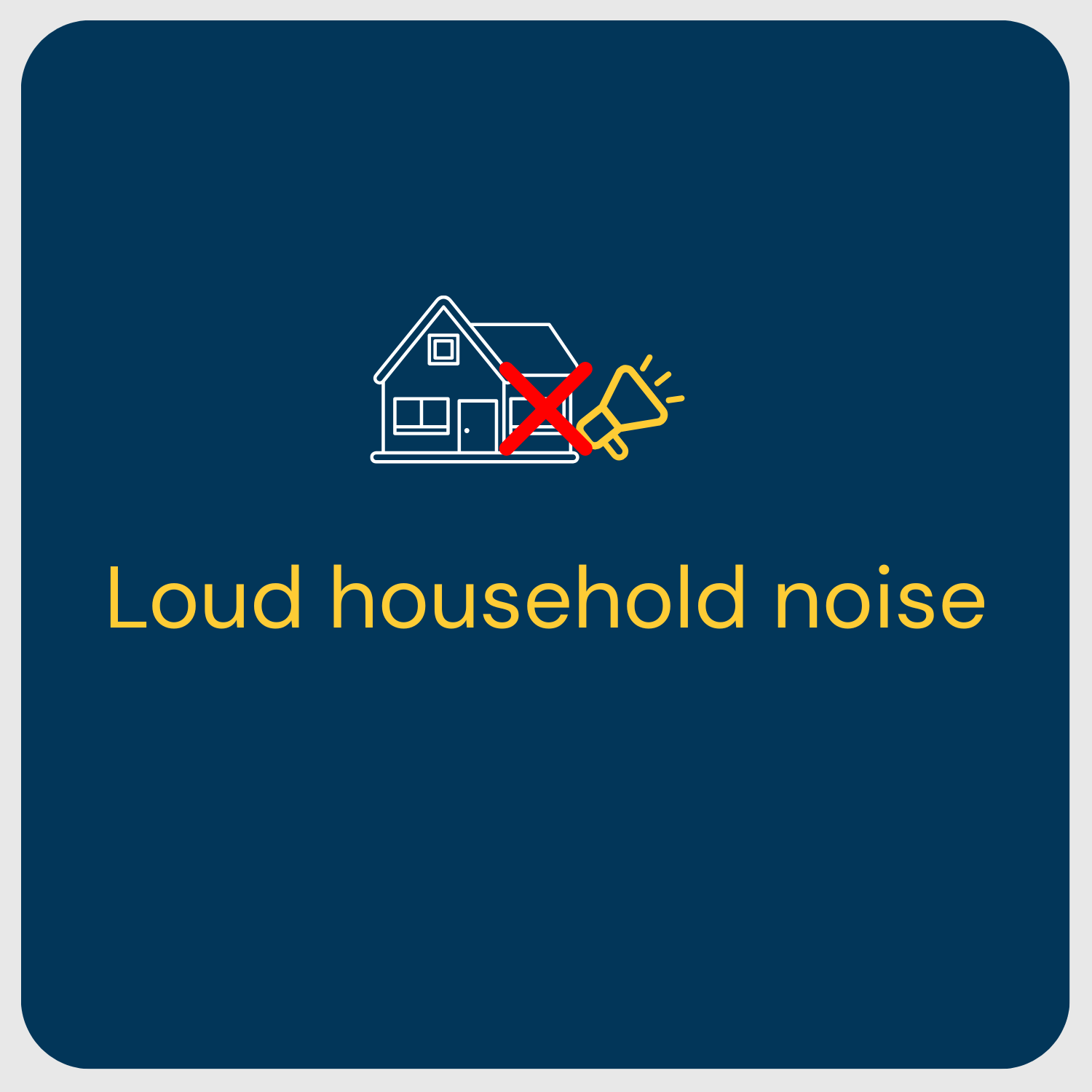
⚠ Avoid These Common Podcast Audio Mistakes
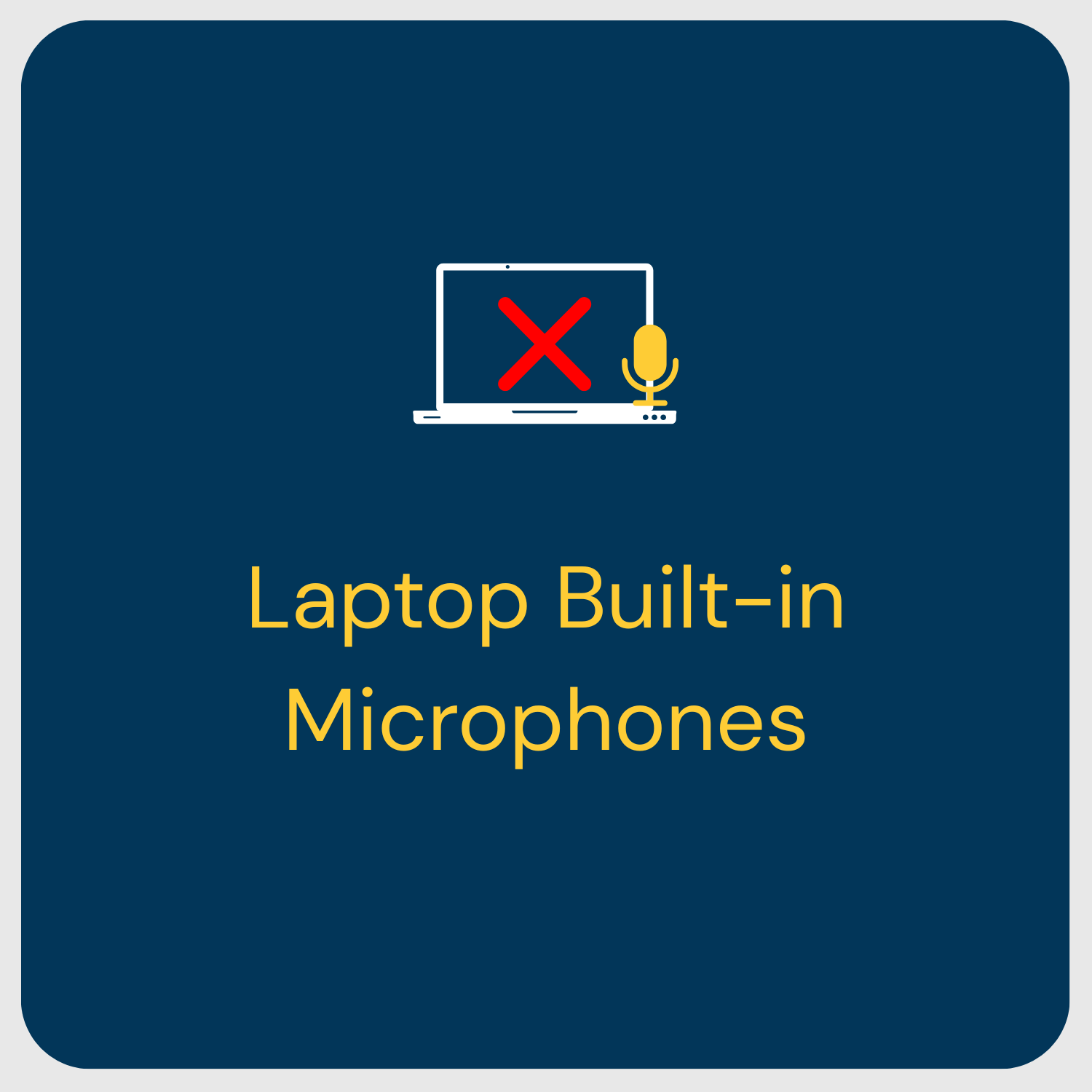
👍🏻 Best Rooms for Podcast Recording
💻 RECORDING TECH REQUIREMENTS
(Riverside & StreamYard)
Many remote podcasts use platforms like:
Riverside.fm
StreamYard
These platforms record high-quality audio and video locally to your device first, then upload the files to the cloud moments later. This protects your quality—but only if your system can handle it.
Required: Storage Space
Have at least 5GB of free space on your main drive before recording.
If your device runs low on space, the platform may lower your recording quality significantly.
Required: Internet Speed
Visit https://www.speedtest.net and confirm:
- 20 Mbps download
- 5 Mbps upload
Most modern internet and 5G services exceed this, but it’s worth checking.
We once had a guest uploading a 2-hour interview at 0.35 Mbps.
It took 5 hours, and her phone nearly died during the upload.
💡 Pro Recording Tips
✅ Close unnecessary programs
✅ Avoid large downloads
✅ Plug in your device
✅ Use wired internet if possible
Using a Phone or Tablet?
Riverside requires a mobile app for phones and tablets.
Phones work—but preparation still matters (see the cellphone section below).
📷 VIDEO SETUP: Simple and Effective
You don’t need expensive camera gear to look great on a podcast.
✅ Built-In Webcams (Totally Fine)
Modern laptop webcams work well if your lighting is good.
▶ External Camera Option
If you want higher quality, we recommend:
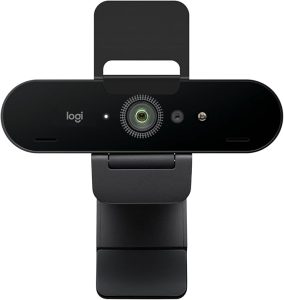
Logitech Brio 4K Webcam
Lighting Basics
(No Studio Lights Needed)
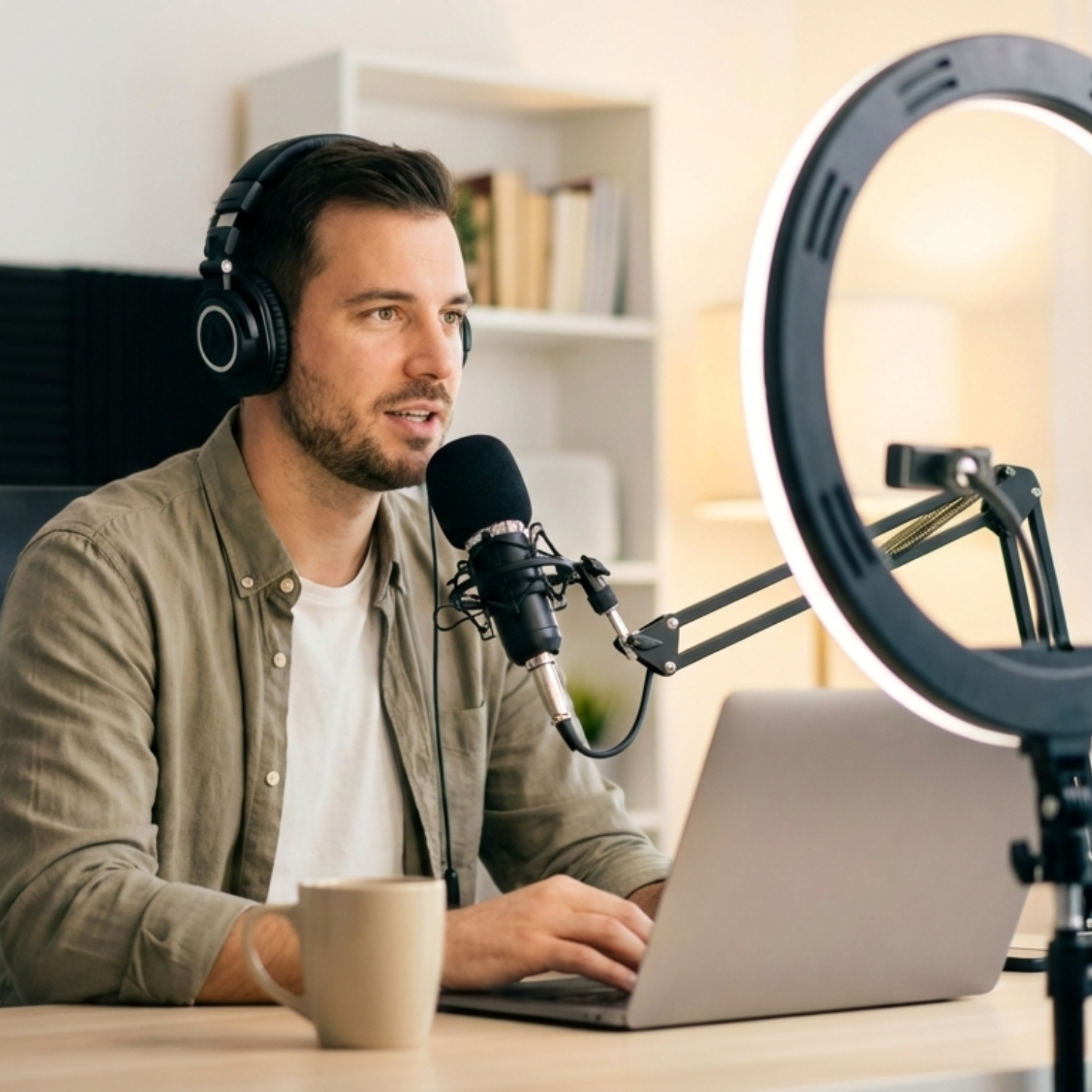
1️⃣ Light your face from the front.
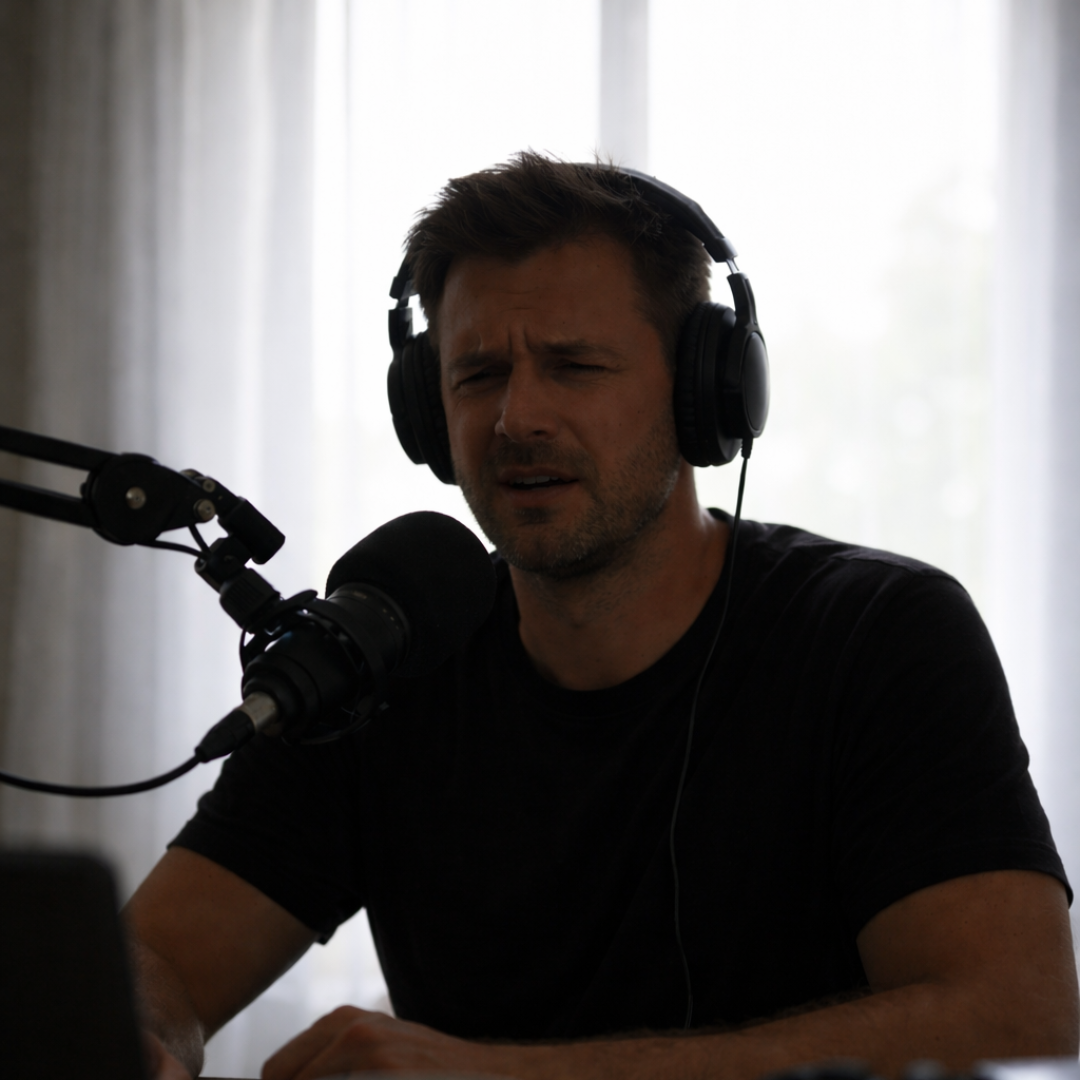
2️⃣ Avoid bright windows behind you.
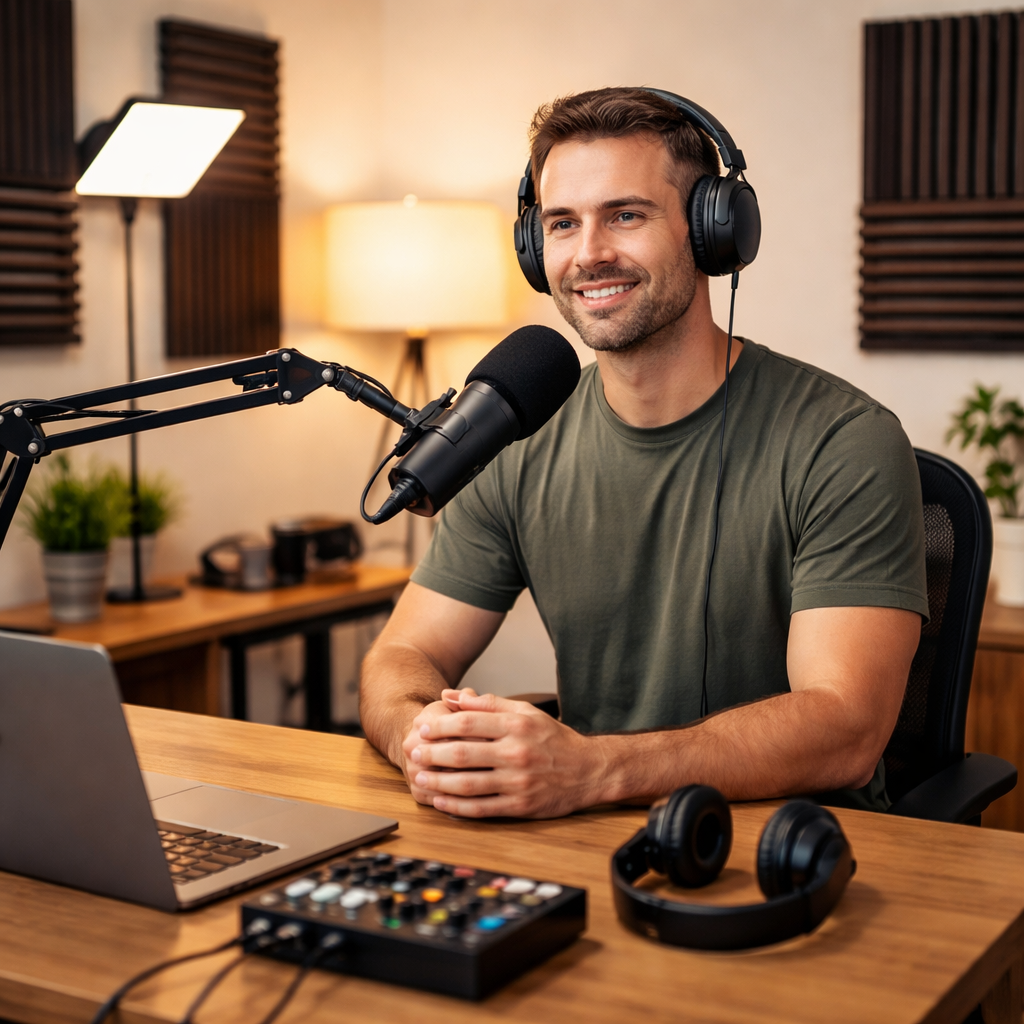
3️⃣ Even lighting = better video
If your room is already evenly lit, you’re likely in great shape.
🏠 ROOM SETUP: Small Changes, Big Results
Before recording, take one minute to listen for noise.
Common Noise Sources
⚠ Air conditioners
⚠ Laundry machines
⚠ Traffic
⚠ Fans
⚠ Pets
True story:
My home office is near the laundry room.
Do not put sneakers in the dryer during a podcast.
Learned that one the hard way.
Reduce Distractions
1️⃣ Tell your family you’re recording
2️⃣ Put phones & watches on vibrate
3️⃣ Keep devices off your desk
4️⃣ Avoid jingly jewelry
5️⃣ Close the door
📱 Recording a Podcast on Your Phone
Phones are powerful tools, but most problems come from poor preparation, not the device.
Common Cell Phone Issues
❌ Bad lighting
❌ Loud environments
❌ Echo
❌ Shaky hand-held video
❌ Messy backgrounds
If You Use a Phone, Do This:
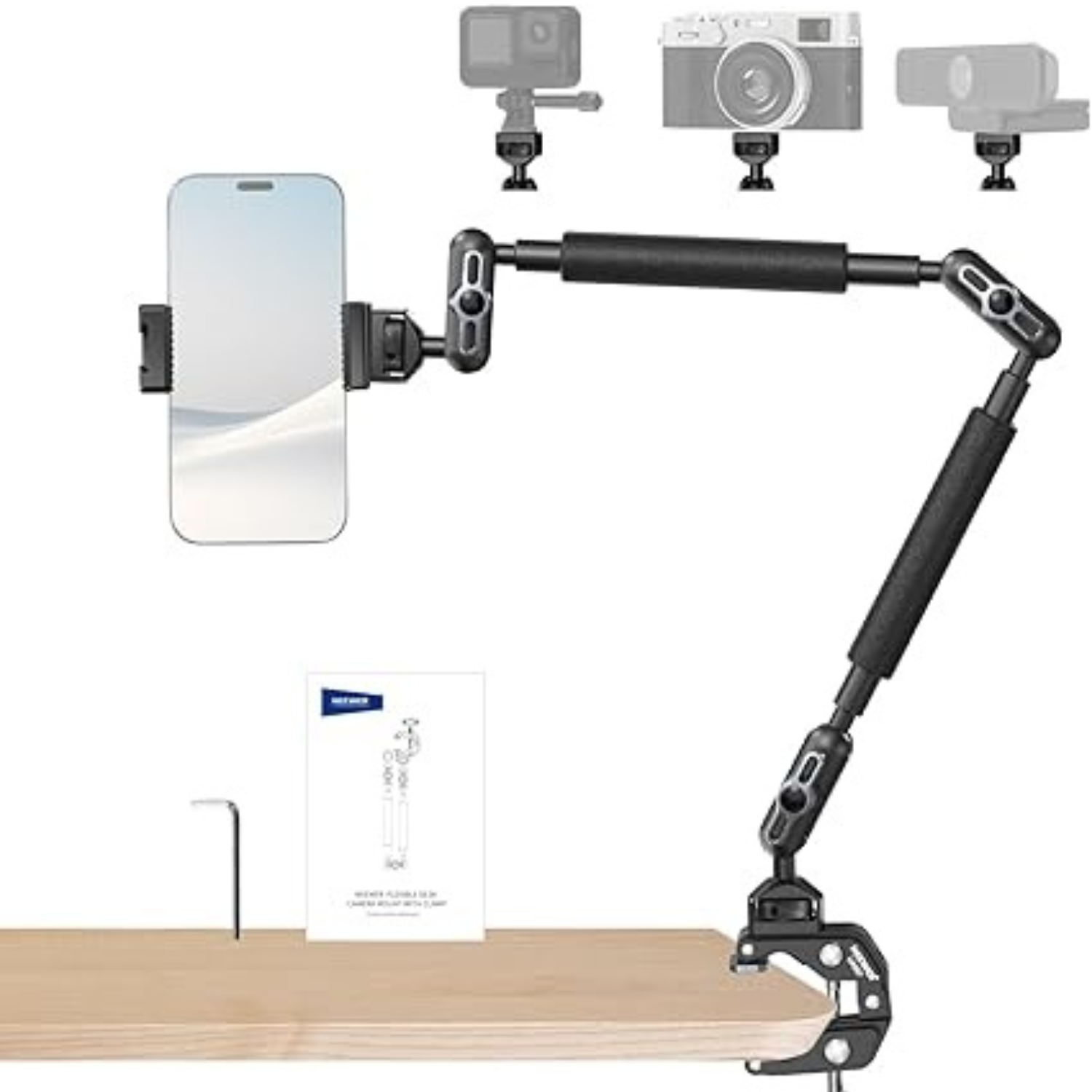
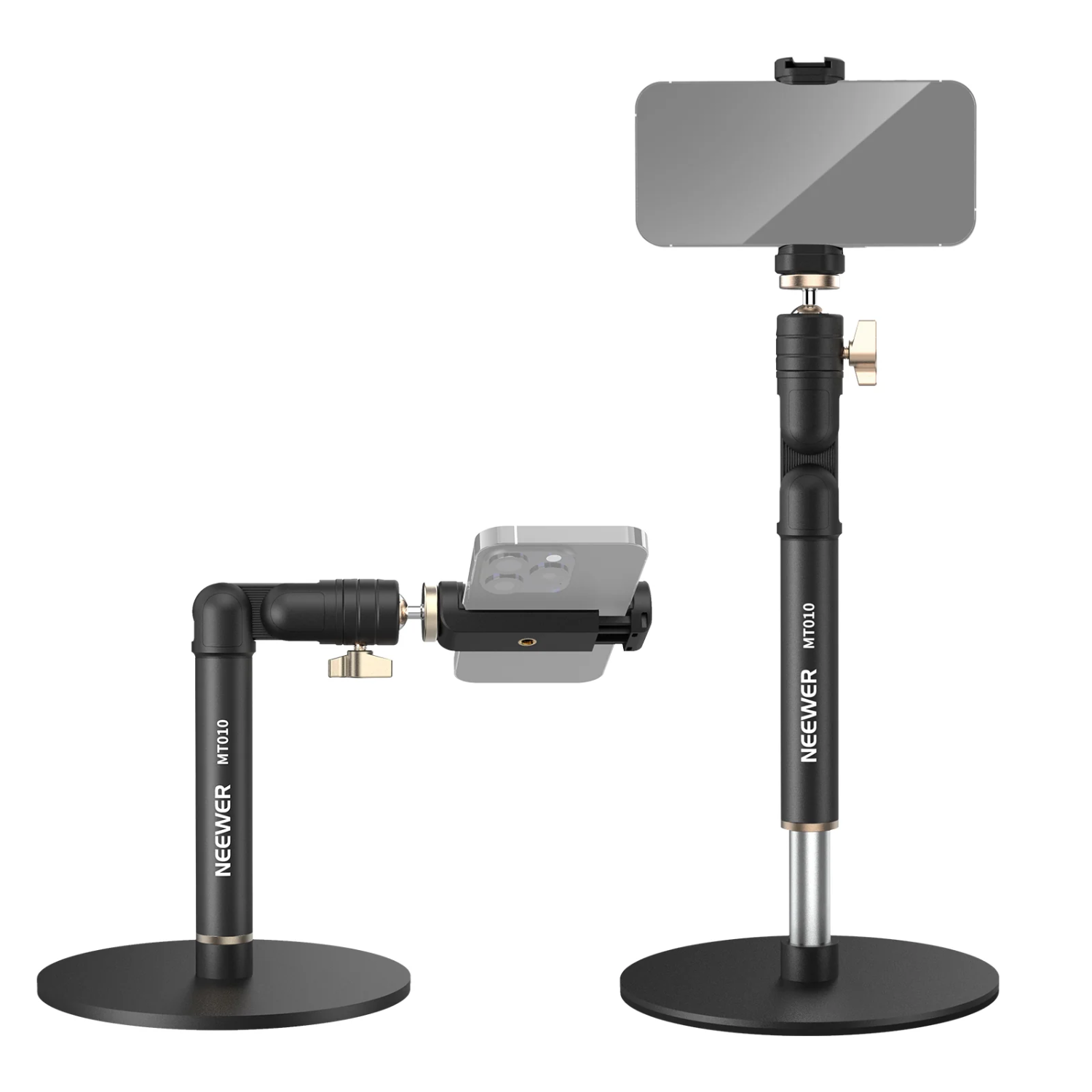
1️⃣ Use a phone stand
We recommend:
2️⃣ Choose a well-lit room
3️⃣ Find a quiet space
4️⃣ Clean your background
5️⃣ Sit close enough for clear audio
6️⃣ Consider wired headphones with a mic
Are AirPods Good for Podcasting?
AirPods work, but they’re not ideal.
Why?
⚠ Bluetooth compresses audio
⚠ Built-in noise processing can make voices sound muffled
⚠ Noise-canceling is designed for listening, not recording
⚠ They don’t fix echo or room noise
AirPods are great for calls.
For podcasts, a USB mic or wired headset will sound noticeably better.
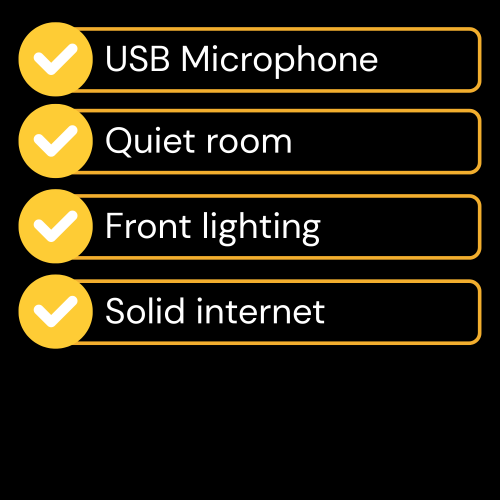
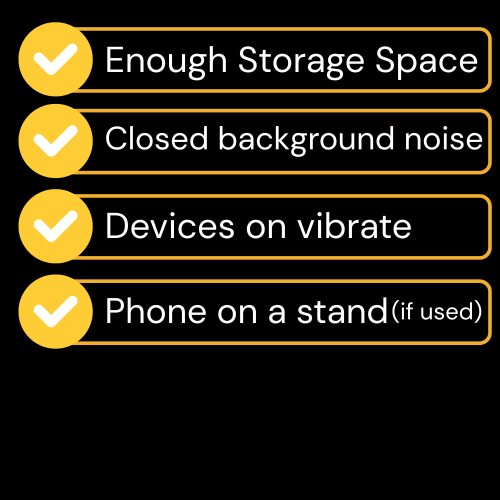
Final Podcast Tech Checklist
Need Help With Your Podcast?
If you want help with:
✅ Podcast production
✅ Guest booking
✅ Video editing
✅ Distribution
✅ Social clips
✅ Branding
✅ Or launching a show
We’re here to help.
Let’s make your podcast sound as good as it looks.